
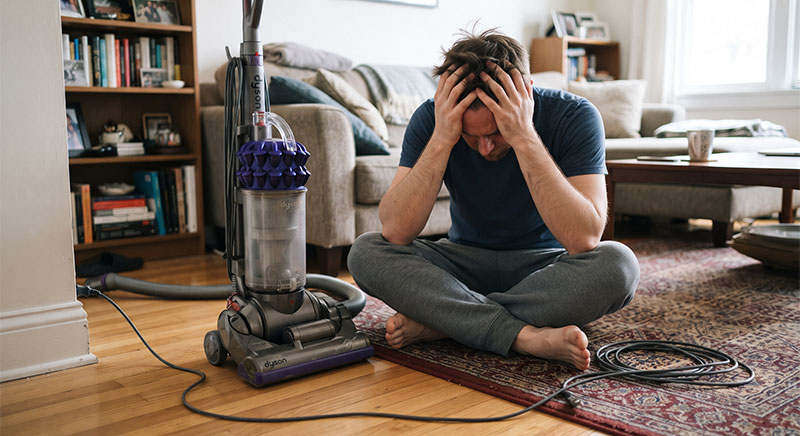
You are halfway through the living room, the vacuum is running fine, and then it just stops. You wait a minute, flip the switch, and nothing happens. Or it starts back up, runs for five minutes, and quits again.
This is one of the most common problems people bring to our counter, and the good news is that it usually does not mean the vacuum is dead. In most cases, a vacuum that keeps shutting off is protecting itself. Many vacuums have a built-in thermal protector that cuts power when the motor gets too hot. It is a safety feature, and it is usually telling you that something is making the motor work harder than it should.
The goal is to find out what that something is, without putting yourself or the machine at risk. Here is how we suggest approaching it.
First, Why Vacuums Shut Themselves Off
Most shut-off problems fall into one of a few categories:
- Overheating from restricted airflow. A vacuum’s motor is cooled by the air moving through it. When a filter is clogged, the bag is full, or something is stuck in the hose, less air moves through, the motor heats up, and the thermal protector trips.
- A brushroll that is jammed or straining. Hair, string, and carpet fibers wrapped around the brushroll can make it drag. On many uprights, that strain triggers a shutoff or a reset.
- Electrical problems. A damaged cord, a loose connection inside the plug or handle, a worn switch, or a failing cord reel can interrupt power on and off.
- Battery and charging issues on cordless vacuums. A worn battery may not hold enough charge to run under load, and some models shut down when the battery gets too hot or too low.
- Power supply issues in the home. A tripped breaker, a GFCI outlet that keeps resetting, or a long, thin extension cord can all cause the vacuum to cut out.
- A motor that is wearing out. This is less common than people assume, but it does happen, especially on older or heavily used machines.
Most of the time, it is the first one.
Safe Checks You Can Do at Home
Before you start, unplug the vacuum, or remove the battery on a cordless model. Never reach into the brushroll area, open the machine, or clear a clog while it has power. If the vacuum just shut off from heat, give it time to cool before handling the motor area.
1. Let It Cool Down
If your vacuum has a thermal protector, it usually needs time to reset after it trips. Unplug it and let it sit for at least 30 minutes, longer if the housing still feels warm. Many owner’s manuals list a specific cool-down time, so it is worth checking yours. Some machines also have a reset button, usually near the motor or on the back of the body.
If the vacuum starts up again after cooling, that is a strong sign the problem is heat and airflow. Keep going with the checks below so it does not just happen again next week.
2. Check the Bag or Dust Bin
A full bag is one of the most common causes of overheating. Bags can feel less than full and still be clogged, especially in our area, where fine desert dust packs into the bag material and blocks airflow long before the bag looks stuffed.
- Bagged vacuums: Replace the bag if it is more than about two-thirds full, or if it feels dense and heavy.
- Bagless vacuums: Empty the bin and check the cyclone area and any screens for packed-in dust and hair.
3. Check and Clean the Filters
Most vacuums have at least one filter before the motor and one after it. When these clog, the motor struggles for air and runs hot.
- Find each filter using your owner’s manual.
- Replace disposable filters that are gray, caked, or more than a few months old with regular use.
- If your filters are washable, rinse them according to the manufacturer’s instructions and let them dry completely before putting them back. A damp filter can damage the motor and cause odors.
4. Look for Clogs in the Hose, Wand, and Floor Head
With the vacuum unplugged, detach the hose and look through it toward a light. Check the wand, the openings at each end of the hose, and the intake at the floor head. Common culprits include socks, hair ties, pet toys, cotton balls, and wads of hair.
You can often push a gentle clog out with a broom handle, carefully, so you do not puncture the hose. If something is stuck deep and will not budge, stop there rather than forcing it.
5. Clean the Brushroll
Turn the vacuum over and look at the brushroll. If it is wrapped in hair or string, cut the wrapping away with scissors, carefully. Check the ends of the brushroll as well, since hair loves to wind into the bearings. Then try turning the brushroll by hand. It should spin with little resistance. If it feels gritty, stiff, or locked, the bearings or the belt may need attention.
6. Inspect the Cord and Plug
Run your hand along the length of the power cord and look for cuts, kinks, flattened spots, exposed wires, or scorch marks. Look at the plug for bent prongs or discoloration. If the cord shows any damage, do not plug it back in. That needs to be repaired by a technician.
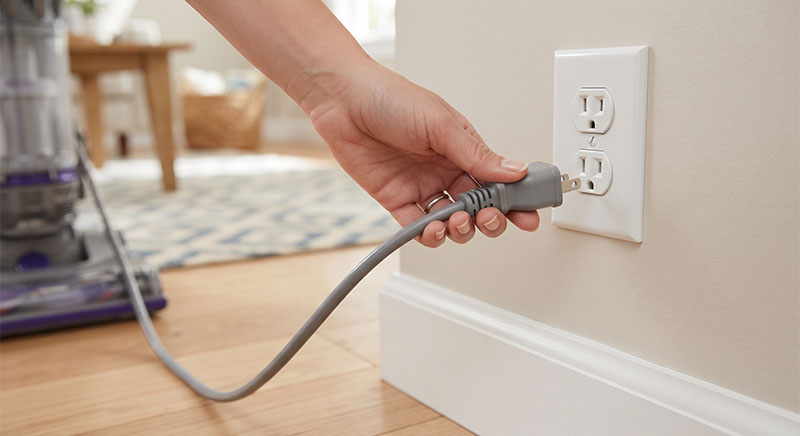
7. Rule Out the Outlet and Extension Cord
- Try the vacuum in a different outlet, ideally on a different circuit.
- If you are using an extension cord, try without it. Long or thin extension cords can starve a vacuum motor of power.
- If the outlet is a GFCI (the kind with test and reset buttons, common in kitchens, bathrooms, garages, and patios), check whether it has tripped.
- If the vacuum trips your breaker, stop and see the section below on when to stop using it.
8. For Cordless Vacuums, Check the Battery and Charger
- Make sure the battery is fully charged and seated firmly.
- Clean the charging contacts gently with a dry cloth.
- Note whether the vacuum quits faster on high power or carpet mode than on low. A battery that cannot keep up under load often shows up that way.
- Check whether the battery feels unusually hot after charging or use.
If you have worked through these steps and the vacuum still shuts off, it is time to bring it in.
When to Stop Using the Vacuum
Some symptoms mean you should unplug the machine and stop using it until it has been looked at. Continuing to run a vacuum with these problems can damage the motor beyond repair, and in some cases it creates a fire or shock risk.
Stop using the vacuum if you notice:
- A burning smell, or the smell of hot plastic or electrical burning
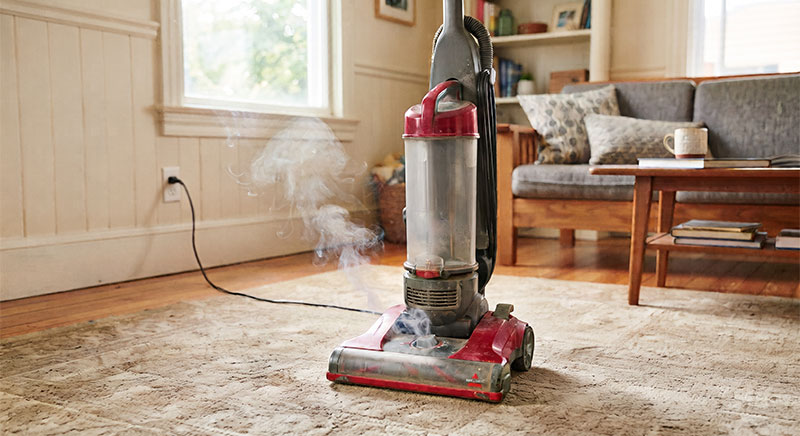
- Smoke coming from the vacuum, the cord, or the plug
- Sparks, crackling, or popping sounds
- A plug, cord, or outlet that feels hot to the touch
- Damage to the cord, such as cuts, exposed wire, or melted spots
- The vacuum tripping your circuit breaker or GFCI outlet
- Grinding, screeching, or loud rattling coming from the motor area
- The vacuum shutting off again within a few minutes of restarting, even after you have cleared clogs and changed the filters
- Water or liquid sucked into a vacuum that is not designed for wet pickup
- A cordless battery that is swollen, cracked, leaking, or getting very hot
If a battery is swollen or damaged, do not charge it or use it. Keep it away from heat and flammable materials, and ask us or your local recycling program about safe disposal.
A burning rubber smell can sometimes be a slipping belt or a jammed brushroll rather than the motor, but it is still a reason to stop and check. Running a vacuum with a stuck brushroll can melt the belt and damage the motor.
What to Tell Your Vacuum Technician
The more you can tell us, the faster we can track down the problem. Intermittent shut-offs can be tricky because the vacuum may run perfectly on the bench for 20 minutes. Your observations at home help fill in the gaps.
Before you bring it in, jot down a few notes:
- Brand and model. The model number is usually on a label on the bottom or back of the machine.
- Approximate age and whether it has been serviced before.
- When it shuts off. Right away? After 5 minutes? After 20? Only on carpet? Only on high setting?
- Whether it restarts. Does it come back on after cooling down, right away, or not at all?
- What happens before it shuts off. Any change in sound, a loss of suction, a smell, the brushroll stopping, or warning lights.
- What you have already tried. New bag, new filters, cleared clogs, different outlet. This saves time and money because we will not repeat what you have ruled out.
- Any recent incidents? Did it pick up something large, run over its cord, get dropped, or pick up water?
- For cordless models: How old the battery is, how long a full charge used to last, and how long it lasts now.
Bring the whole system. Please bring the hose, wand, attachments, and charger or battery along with the vacuum. A surprising number of shut-off problems are caused by a clog hidden in an attachment or a hose that never makes it to the shop.
Why Shut-Off Problems Are Common in Arizona Homes
Vacuums work hard in the Sun City and greater Phoenix area. Fine desert dust is exactly the kind of particle that clogs filters quickly and packs into bags, which cuts airflow and makes motors run hot. Add dust storms, pollen, pet hair, and grit tracked in from the patio, and filters that would last months elsewhere can load up much faster here.
Heat matters too. A vacuum stored in a hot garage or a closet that backs up to an exterior wall is starting out warmer than one stored in a cool room. If you can, store your vacuum indoors in an air-conditioned space, and change bags and filters on a regular schedule rather than waiting for a problem.
Most Shut-Off Problems Are Fixable
A vacuum that keeps shutting off is usually asking for maintenance, not replacement. Clogs, worn filters, tangled brushrolls, belts, cords, switches, and batteries are all common repairs, and catching them early often protects the motor from more expensive damage.
If you have tried the safe checks and your vacuum is still cutting out, or if you noticed any of the warning signs above, bring it in to Sun City Vacuums. We will find out what is causing the shutoff, explain what we find in plain language, and give you an honest recommendation on whether it is worth repairing.